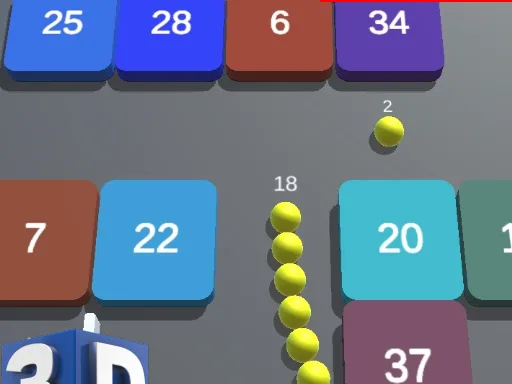
Cyber Smash – Neon Breakout Blitz
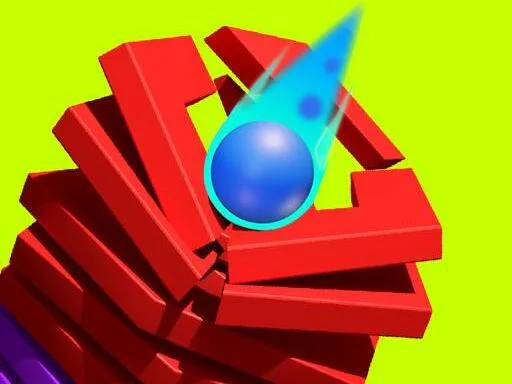
Lightning‑fast bricks, a glowing paddle, and a laser‑charged ball define this 1 Player showdown. Retro neon vibes meet modern HTML5 polish, delivering a punchy arcade feel that feels right at home among 2025 games. Every hit lights up the screen, every combo pumps the score. Miss a beat and the cyber wall closes in. It’s pure reflex, pure strategy, pure adrenaline.
How the Controls Hit
Master the paddle, fire the laser, dominate the board.
- Mouse/Touch – Drag the paddle horizontally
- Keyboard (PC) – Left Arrow / A to move left, Right Arrow / D to move right
- Launch Ball / Fire Laser – Mouse/Touch – Click or tap the screen
- Keyboard (PC) – Spacebar / Up Arrow / W
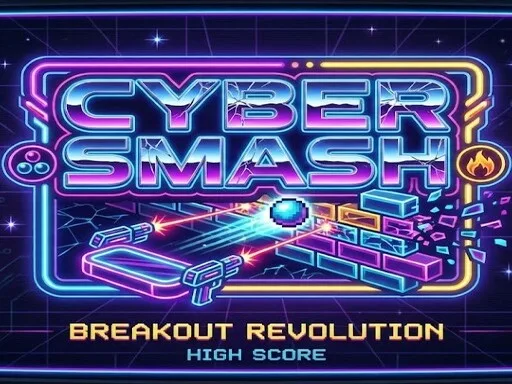
Winning Tactics
Start with a clean sweep of the first rows. The early levels teach you where power‑ups spawn – keep an eye on the neon flash. Multi‑ball splits the screen chaos; fire it only when you’ve cleared a safe zone. Laser mode slices through stacked bricks; hold it until the combo meter spikes. When the combo bar glows, focus on precision rather than speed – a single miss resets the multiplier.
Progression isn’t just about clearing blocks. Each stage adds a new “Coloring” mechanic: bricks shift hue, and matching the paddle’s glow to the brick color doubles the points. Switch the paddle’s tint with the Color Shift button that appears after three successful combos. Master the hue dance, and the high‑score table on unblockedgames76 will start to look familiar.
Don’t forget the hidden “Code Break” rooms. A rare power‑up unlocks a mini‑puzzle where you must trace a circuit line using the paddle. Solve it, and you earn a permanent laser upgrade. This secret keeps the grind fresh and pushes you toward the final cyber boss.
Ready to smash the neon grid and claim the top spot? Jump straight into the action on Cyber Smash and see why UfreeGames is the go‑to hub for HTML5 thrills. Play now, dominate the leaderboard, and let the cyber bricks fall.
bull Mouse Touch Drag the paddle horizontally bull Keyboard PC Left Arrow A to move left Right Arrow D to move right Launch Ball Fire Laser bull Mouse Touch Click or tap the screen bull Keyboard PC Spacebar Up Arrow W