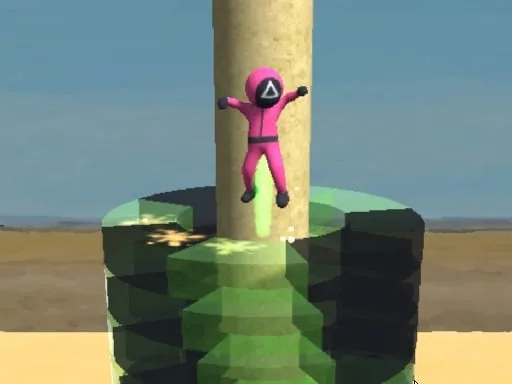
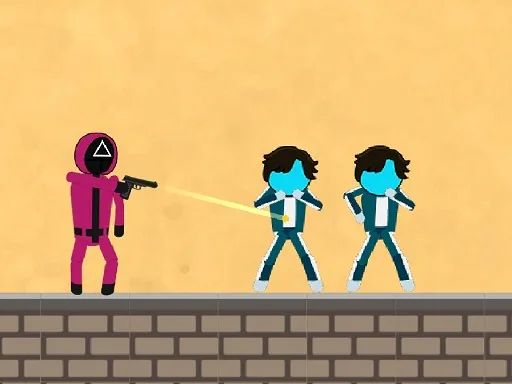
Squid Game Crowd – Chaos Meets Strategy
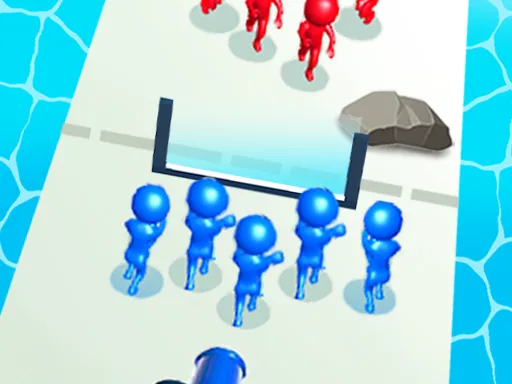
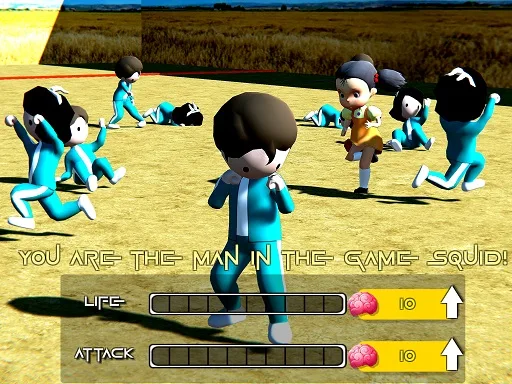
Imagine a city street turned into a battlefield where every passerby can become an ally or a rival. In Squid Game Crowd, you command a ragtag squad of heroes, each with a unique ability to sway the masses. The goal? Grow your crowd faster than any other faction and dominate the map. This frantic, crazy clash feels like a fresh .io Games experience, but with the depth of a full‑blown 3D Games title. Play on Android or any Mobile browser, and watch the chaos unfold in real time.
UfreeGames: Crowd Warfare Explained
Controls are stripped down to the essentials, so you can focus on out‑maneuvering opponents. Use mouse to walk. The entire command set lives inside a single, easy‑to‑master list:
- Click anywhere on the map to move your avatar.
- Hover over a neutral NPC to recruit them into your crowd.
- Press Space for a short speed boost when you need to outrun a rival group.
- Right‑click on an enemy squad to trigger a tactical retreat or a surprise attack.
Squid Game Crowd Strategy Tips
The heart of the game lies in smart crowd management. Prioritize recruiting NPCs that match the color of your current team—this reduces friction and speeds up expansion. Keep an eye on rival groups; if a competitor’s crowd swells beyond yours, it’s time to launch a raid or sabotage their recruitment zones. The best players treat each street as a living board, positioning their heroes where they can intercept the most neutral citizens. Progression is tied to the number of followers you’m able to maintain, so balance aggression with defensive holds. Whether you’re playing solo (1 Player mode) or testing strategies against friends, the loop stays addictive: grow, clash, grow again.
Ready to prove you have the biggest, craziest crowd in town? Jump into the battle now, powered by Unity3D and rendered with WebGL for smooth HTML5 performance. UfreeGames brings you the most intense Mobile showdown—no downloads, no lag. Grab your phone, fire up the browser, and let the streets decide who rules the city.
Use mouse to walk