Rolling Ball New – Pure Speed, Simple Controls, Endless Fun
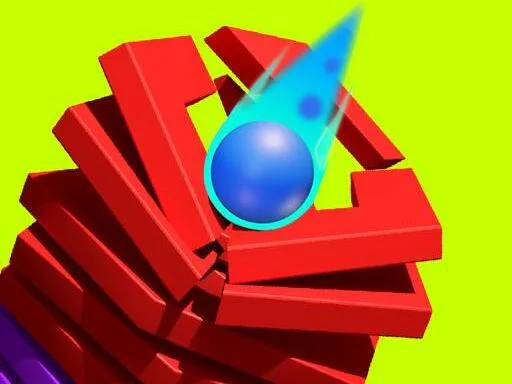
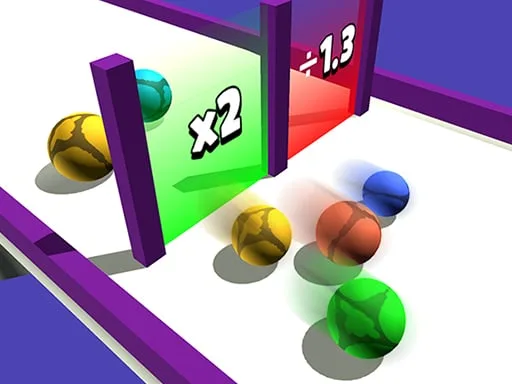
Rolling Ball New drops you straight into a slick 3D arena where a lone Ball races forward, dodging trees, rocks, and surprise traps. The game’s core loop is built on pure run mechanics: the faster you go, the higher your score climbs. It’s the Best pick‑up for anyone hunting a quick Mobile thrill during a Holiday break or a short coffee pause. Feel the rush as you chase that next high‑score, and watch the scenery blur into a single line of motion.
Master the basics and you’ll be slicing through levels in seconds. The control scheme is stripped down to what matters: swipe left or right to steer, swipe up to jump. On desktop, the left/right arrows move the ball, the up arrow makes it jump, and hitting the Space bar restarts the run instantly. Below is the full cheat‑sheet for every platform.
How to Play – Controls Overview
- Mobile or mouse on desktop – Swipe left or right to move
- Swipe up to jump
- Desktop – Press left or right arrow keys to move
- Press up arrow key to jump
- Press Space bar to replay the game
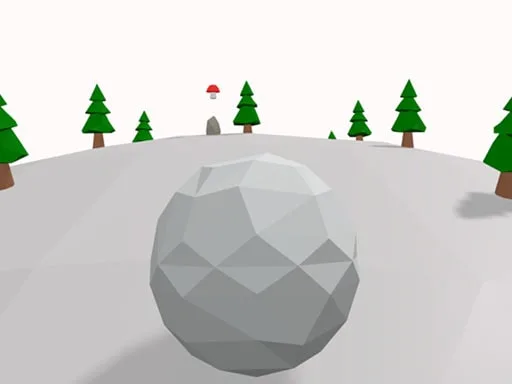
Success isn’t just about reflexes; it’s about timing and upgrades. Grab mushrooms to boost your power‑up shop, then equip shields, magnets, or magical wings for extra edge. Each new Ball skin unlocks fresh visual flair and subtle speed tweaks. Plan your route: aim for clusters of mushrooms, avoid risky rock formations, and keep an eye on the upcoming obstacles that demand a precise jump. The longer you stay in the running loop, the more the game ramps up the pace, forcing you to adapt on the fly. Master the rhythm and you’ll see your high score soar.
Ready to dominate the leaderboard? Tap the link, launch the run, and prove you’ve got the fastest reflexes on the planet. Rolling Ball New is waiting. Join the UfreeGames community, roll hard, and let every jump count toward your next record. The ball is already rolling—don’t let it stop without you.
Mobile or mouse on desktop - Swipe left or right to move - Swipe up to jump Desktop - Press left or right arrow keys to move - Press up arrow key to jump - Press Space bar to replay the game