Run Run 3D Challenge – Fast‑Lane 3D Mayhem
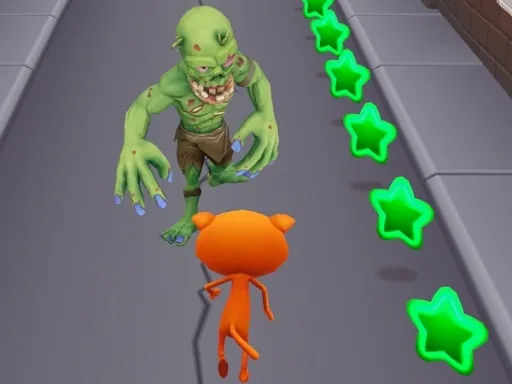
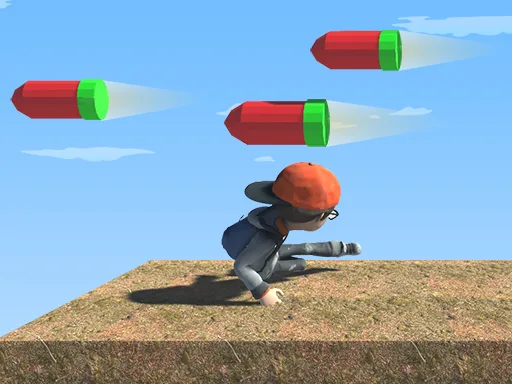
Speed, reflexes, and a dash of daring collide in this side‑scrolling 3D adventure. You’re a kid on a relentless sprint through hazardous zones, dodging monsters, leaping over gaps, and grabbing glittering stars. Every second counts, and every misstep sends you back to the start. If you crave frantic running with a pinch of skill‑based precision, this is the title that will keep your thumbs glued to the screen.
How to Play – Simple Controls
Master the core mechanics in seconds, then focus on perfecting your timing. The control scheme is stripped down to two actions, making it ideal for both PC and mobile sessions.
- PC: Press Left Arrow to slide, Right Arrow to jump.
- Mobile: Tap the left side of the screen to slide, tap the right side to jump.
Slide under low barriers, jump over spikes, and keep the momentum flowing. The game rewards quick reactions, so keep your eyes on the horizon and your fingers ready.
Pro Tips – Master the Skill Curve
Success isn’t just about reflexes; it’s about strategy. Start each level by memorizing the pattern of obstacles—most hazards repeat in a predictable rhythm. Use the star‑collecting system to boost your score and unlock subtle visual upgrades that improve depth perception in the 3D environment. When a monster appears, prioritize avoid over attack; the game doesn’t penalize you for a clean escape. Combine short bursts of jumping with longer slides to conserve energy and maintain a smooth running rhythm. As you progress, the side‑scrolling speed ramps up, demanding tighter timing and sharper focus. Keep practicing the timing of each jump; the sweet spot is a split‑second before the obstacle reaches the center of the screen.
Ready to dominate the leaderboard? Dive into the challenge now, tap the link, and experience the adrenaline rush that only Run Run 3D Challenge can deliver. Brought to you by UfreeGames, this title proves that pure, fast‑paced running fun still thrives on mobile. Install, start sprinting, and show the world your skill.
PC Left and Right Arrows Mobile Tap left screen or right screen