Fix Broken Paths in Road Restore
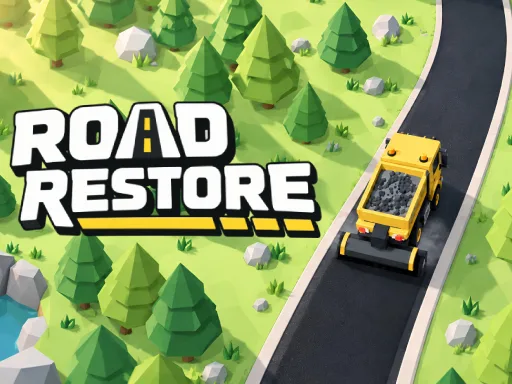
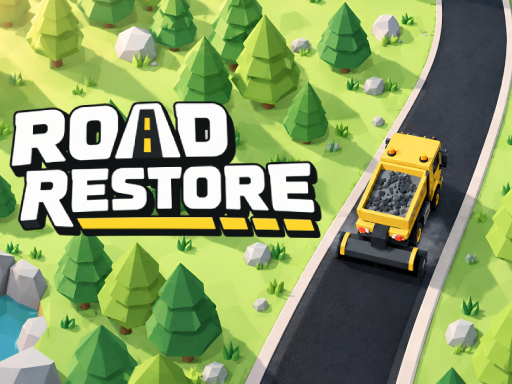
Broken asphalt and faded lines ruin every trip. You take control of a heavy-duty truck to repair damaged infrastructure across 70 diverse sectors. Your mission involves driving over cracked surfaces to lay fresh pavement and using specialized tools to paint new road markings. You navigate through quiet forests, winding mountain passes, and scenic coastal routes. This 3D simulation puts you in charge of massive machinery to make the world safe for travel again. Every job earns you money to upgrade your vehicle and unlock new equipment. Find all the best gear and skins to make your truck stand out while you work. If you want more high-quality titles, check out UfreeGames for endless fun.
Master the Controls in Road Restore
Operating heavy machinery requires precision. You control your truck using several different methods depending on your device. Use these inputs to navigate the terrain and complete your repairs:
- Keyboard Use WASD ZQSD or the arrow keys to steer
- Mouse Hold the left mouse button and drag on the game area to use the virtual joystick
- Touch Touch and drag on the game area to steer with the virtual joystick
Pro Tips for Road Restore Success
Efficiency determines how fast you unlock new sectors. Your tools work automatically while you drive, so maintain a steady speed to ensure even coverage. Keep an eye on your supplies. When your materials run low, drive back to the depot for a free refill to avoid getting stuck mid-job. Aim for three stars in every sector by completing every task before moving on. You can return to previous areas with an upgraded truck to tackle repeatable contracts for extra cash. Use your earnings wisely to buy better equipment that makes the driving and repair process faster. UfreeGames recommends focusing on truck upgrades early to handle the tougher mountain terrain.
Grab your keys and start repairing the world today. Play Road Restore now and build the perfect highway!
Keyboard Use WASD ZQSD or the arrow keys to steer Mouse Hold the left mouse button and drag on the game area to use the virtual joystick Touch Touch and drag on the game area to steer with the virtual joystick