Parkour Craft Noob Steve: The Ultimate 3D Adventure
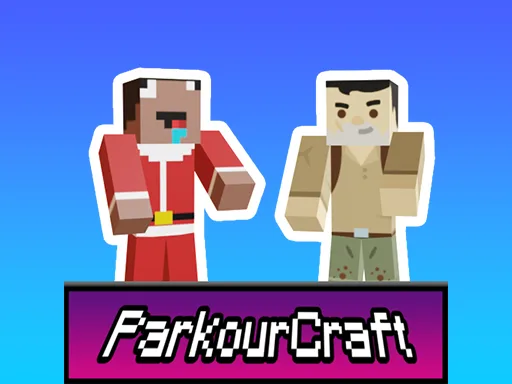
It's time to put your parkour skills to the test in Parkour Craft Noob Steve, a thrilling 3D game from UfreeGames that's all about jumping, running, and surviving in a snowy wonderland. As Noob Steve, you'll need to navigate through 8 challenging levels, avoiding icy pitfalls and snow blocks to reach the portal at the end of each level. With Santa Claus watching over you, will you be able to show off your skills and complete all levels to share your achievements with friends?
Game Mechanics
In Parkour Craft Noob Steve, the controls are simple yet addictive. You'll use the mouse or right joystick to look around, WASD or left joystick to move, and space or jump button to jump and climb. Focus is key, so make sure to use your mouse right click on the screen to stay on track. Here are the basic controls to get you started:
- Mouse or right joystick - Look around
- WASD or left joystick - Movement
- Space or jump button - Jump
- Focus Mouse right click on the screen
Strategy and Progression
As you progress through the levels, you'll need to develop your skills and strategy to overcome the increasingly difficult challenges. With each level, the snow blocks will get higher, and the icy cold will get closer. You'll need to time your jumps perfectly and use your surroundings to your advantage. With Parkour Craft Noob Steve, you'll experience the thrill of 3D games and the satisfaction of completing each level, all while enjoying the festive atmosphere of Christmas with Santa Claus.
So, are you ready to take on the challenge and show off your parkour skills? Head over to Parkour Craft Noob Steve and start playing today! With UfreeGames, you can enjoy the best 1 player adventure games, including Parkour Craft Noob Steve, and experience the thrill of jumping and running in a 3D world filled with snow and excitement.
Mouse or right joystick - Look around WASD or left joystick - Movement Space or jump button - Jump Focus Mouse right click on the screen