Controls
- Mouse = look around
- WASD or arrow keys = move
- W + Shift = run
- Space = jump
- Left mouse button = shoot
- Right mouse button = aim
- Mouse wheel = next / previous weapon
- 1-7 = weapon hotkeys
- R = reload
- G = throw a grenade
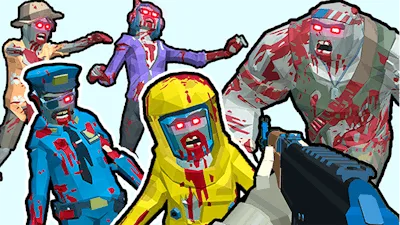


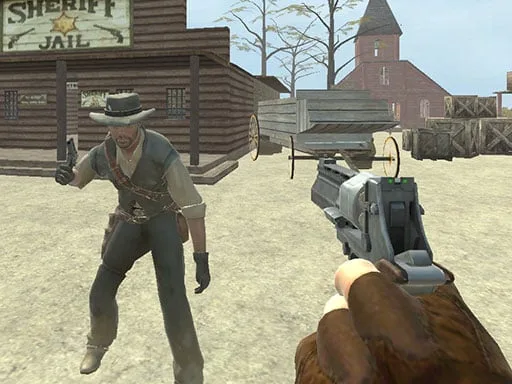
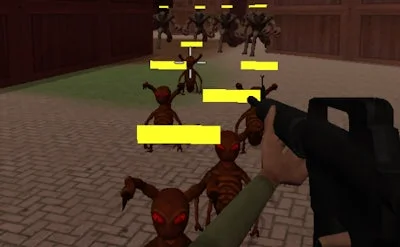
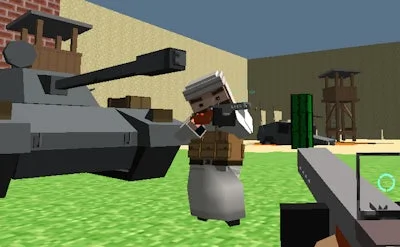
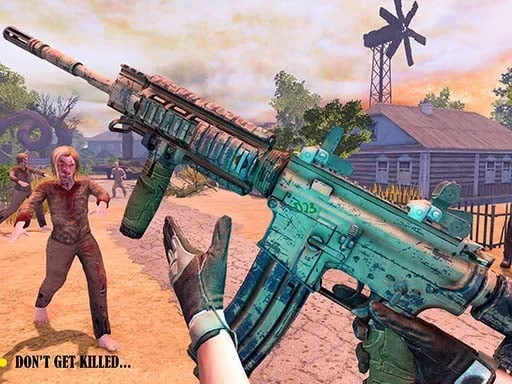
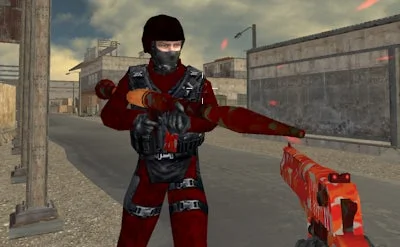
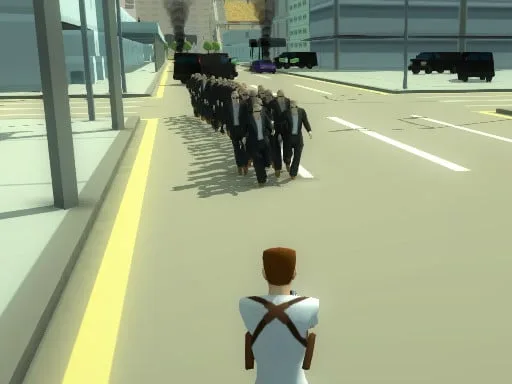
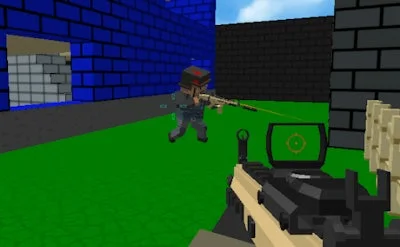
City streets are overrun, sirens wail, and the dead keep coming. In Zombies Shooter you grab a gun, lock eyes on the horde, and start killing anything that moves. The game throws you into a gritty 3D arena where every corner hides a new threat. Miss a shot? The next wave is already clawing out of the shadows. Survival isn’t a promise—it’s a race against time, ammo, and your own nerves. If you crave fast‑paced FPS action that splatters blood and rewards skill, this is the arena you’ve been waiting for.
Master the controls, then let the chaos take over. Precision, speed, and situational awareness are your only allies against the relentless Zombie swarm.
Winning isn’t just about spraying bullets; it’s about reading the battlefield. Start each level by scouting high‑ground positions—elevated rooftops give you clear sightlines and force the undead to climb, buying you precious seconds. Keep your weapon loadout balanced: a rapid‑fire SMG for close‑range butts, a scoped rifle for distant targets, and at least one explosive for crowd control. Use grenades wisely; a well‑timed blast can wipe out an entire horde before they reach you.
Don’t forget the environment. Broken cars, abandoned crates, and shattered windows become temporary shields. When the blood starts splattering, stay mobile. Sprinting with W + Shift lets you dodge a charging zombie, while jumping over obstacles with Space breaks line‑of‑sight. Aim with the right mouse button to land headshots—each critical hit reduces the number of reloads you’ll need, extending your survival window.
Resource management is key. Ammo drops are scarce, so reload only when you’re safe. The reload key R is your lifeline; a mistimed reload in the middle of a wave can be fatal. Keep an eye on the mini‑map for supply caches and prioritize routes that lead to them. As you progress, enemy AI gets smarter: zombies start flanking, some even climb ladders. Adapt by switching to weapons on the hotkeys 1‑7 without pausing the action.
Finally, practice makes perfect. The more you play, the better you’ll anticipate spawn patterns, and the more efficiently you’ll chain kills. Each level’s increasing difficulty pushes you to refine your timing, positioning, and weapon swaps. Master the rhythm, and the city will finally see a sliver of hope.
Ready to prove you can survive the apocalypse? Jump straight into the carnage and show the undead who’s boss. Grab your weapon, lock on, and dominate the streets with Zombies Shooter. The city needs a hero—make it yours.

We use cookies to help you navigate efficiently and perform certain functions. You will find detailed information about all cookies under each consent category below.
The cookies that are categorised as "Necessary" are stored on your browser as they are essential for enabling the basic functionalities of the site.
Necessary cookies are required to enable the basic features of this site, such as providing secure log-in or adjusting your consent preferences. These cookies do not store any personally identifiable data.
Functional cookies help perform certain functionalities like sharing the content of the website on social media platforms, collecting feedback, and other third-party features.
Analytical cookies are used to understand how visitors interact with the website. These cookies help provide information on metrics such as the number of visitors, bounce rate, traffic source, etc.
Advertisement cookies are used to provide visitors with customised advertisements based on the pages you visited previously and to analyse the effectiveness of the ad campaigns.
We also use third-party cookies that help us analyse how you use this website, store your preferences, and provide the content and advertisements that are relevant to you. These cookies will only be stored in your browser with your prior consent.
You can choose to enable or disable some or all of these cookies but disabling some of them may affect your browsing experience.