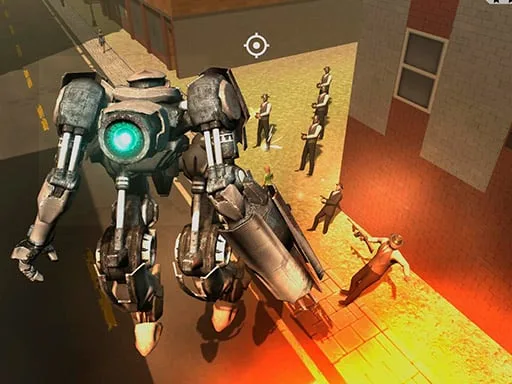
Wild Castle TD: Grow Empire – Build, Defend, Conquer
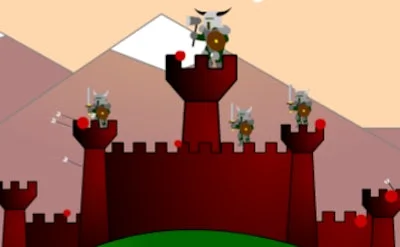
Picture a sprawling 3D fortress perched on a cliff, waves of monsters charging from every direction. One player stands between ruin and triumph, wielding towers, traps, and raw strategy. UfreeGames delivers a pulse‑pounding tower defense experience where every decision can tip the balance of battle. Master the art of survival, watch your empire expand, and watch foes crumble under relentless fire. This isn’t just another castle‑siege game; it’s a test of quick thinking and long‑term planning, all wrapped in crisp graphics and tight controls. If you crave a challenge that rewards clever placement over mindless clicking, the battlefield is waiting.
Mechanics
Play with a single mouse button and every action feels immediate. Place towers, upgrade walls, and trigger special abilities without juggling complex key combos. The interface is clean, the feedback loud, and the learning curve steep enough to keep you hooked from the first wave.
- Controls Use the left mouse button to interact.

Strategy
Start by anchoring your defenses around the castle’s weakest points. Early towers should focus on crowd control; splash‑damage cannons thin out hordes before they reach the walls. Upgrade paths matter—invest in range for archers, then switch to fire rate for a rapid‑fire barrage. As you progress, unlock the “Siege Mode” that lets you place mobile artillery on the battlefield, turning the tide of a desperate survival round. Keep an eye on enemy types: armored beasts need piercing bolts, while flying swarms respond best to anti‑air turrets. Balance resource spending between immediate upgrades and long‑term empire expansion; a strong economy fuels the next wave of strategic options. Remember, each battle is a puzzle—re‑evaluate tower placement after every wave, and adapt your layout to the evolving threat.
Ready to dominate the front lines? Jump into Wild Castle TD: Grow Empire now, and prove you have the guts to turn a humble stronghold into an unstoppable empire.
Use the left mouse button to interact.