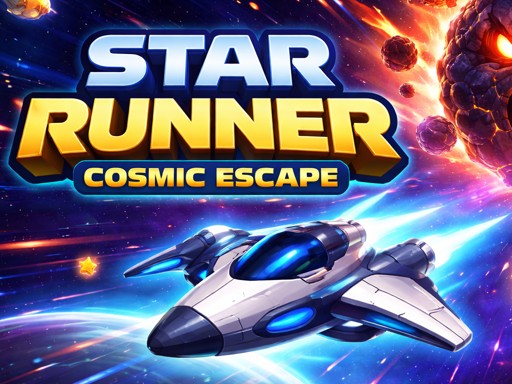
Star Runner: Cosmic Escape – Fast‑lane Space Action
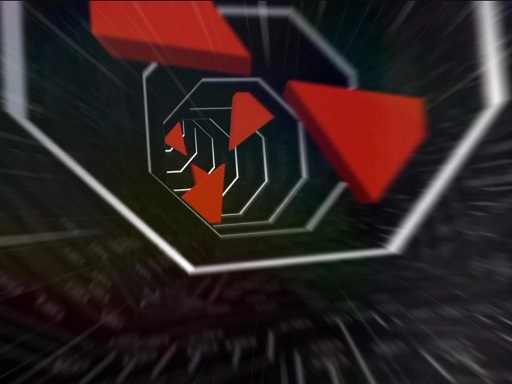
Take the helm of a sleek ship and blaze through a neon‑lit Space corridor. One‑player arcade thrills meet crisp 2D graphics, delivering the kind of pulse‑pounding run that defines the best 2026 games. Every second counts as you chase golden stars, dodge asteroid swarms, and out‑maneuver a hulking boss rock. The core loop is simple: survive, collect, upgrade. Miss a beat and the screen fills with debris—so you’ll stay glued to the action. This is the kind of high‑score chase that makes you want to beat your own record, again and again.
Mechanics
Controls are stripped down to pure reflex. Move the Spaceship with a mouse swipe or a touch drag. Keyboard fans can press A, D, or the arrow keys. Press M to toggle the magnet power‑up for instant star pull.
- Move with mouse or touch use A D or arrows press M
Strategy
Mastering Star Runner: Cosmic Escape isn’t just about speed; it’s about timing. Early runs should focus on learning asteroid patterns. The first few levels teach you where clusters form, letting you anticipate and swerve before they appear. Upgrade the Shield when you notice a surge of fast asteroids; a single hit can end a run. Magnet power‑ups are best saved for tight corridors filled with stars—activating them too early wastes their pull radius. As you progress, the boss asteroid introduces a new rhythm: large, slow‑moving cores with rapid side projectiles. Aim for the weak spot exposed every 12 seconds; a well‑timed blast shatters the core and nets a massive star bounty. Keep an eye on your score multiplier: chaining star pickups without a miss boosts points exponentially. The higher the multiplier, the more upgrades you can afford, creating a satisfying feedback loop that keeps you chasing the next high score.
Ready to dominate the leaderboard? Fire up your browser, launch the Spaceship, and prove you’ve got the reflexes to outrun the cosmos. UfreeGames delivers the perfect blend of retro vibe and modern polish—jump in now and own the star‑filled run.
Move with mouse or touch use A D or arrows press M