Shark Jigsaw: Puzzle Action That Bites Back
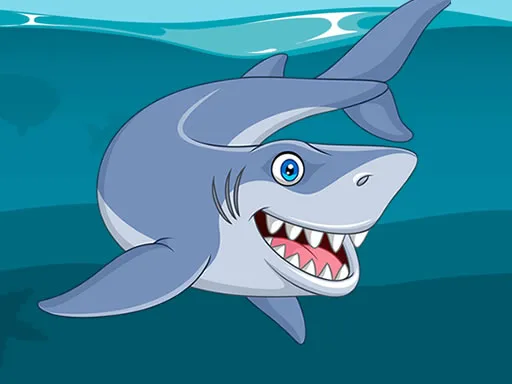
Picture a bright ocean scene, a mischievous shark, and a jigsaw that refuses to stay put. Shark Jigsaw turns that chaos into a fun challenge you can crack in a few minutes or a few hours. It’s a hypercasual puzzle built for 1 Player sessions, perfect for a quick break or a marathon on the commute. The game’s bright colors and smooth animation keep the vibe light, while each completed picture feels like a tiny victory. If you love animal-themed puzzles, love the thrill of a shark’s grin, or just need a brain‑boosting pastime, this title delivers the satisfaction without the fluff.
Mechanics
Controls are stripped down to the essentials. Tap, drag, and drop pieces until the image snaps into place. No clutter, no menus, just pure puzzle flow. The game runs on mobile and desktop, so you can switch devices without missing a beat.
- Use mouse or touch the screen
Strategy
Start with the easiest casual mode to learn piece shapes and edge patterns. As you progress, the puzzle grid expands and pieces become more irregular, demanding sharper skill. Keep an eye on the shark’s silhouette in the background; its outline hints at where large sections belong. Break the picture into quadrants and solve each chunk separately—this speeds up completion and reduces frustration. For kids, the bright palette and simple drag‑and‑drop reinforce hand‑eye coordination. For seasoned players, aim for the “hardest” mode where time limits and extra pieces test your speed. Earn in‑game coins by finishing puzzles quickly; spend them on new ocean scenes, each featuring a different animal companion. The more you play, the better you become at spotting subtle color gradients, a key to mastering the toughest levels.
Ready to prove your puzzle prowess? Jump into Shark Jigsaw now, and experience the bite‑size thrill that keeps gamers coming back. From casual fans to hardcore puzzlers, UfreeGames has crafted a title that feels fresh every time you flip the screen. Install, solve, and dominate the reef—your shark is waiting.
Use mouse or touch the screen