Save The Kingdom – Castle Defense That Packs a Punch
Save The Kingdom drops you into a frantic arena where every wave threatens the crown. Wizards, ghosts, and demons pour from the shadows, and it’s your job to lock down the castle before the kingdom crumbles. The thrill comes from fast‑paced action mixed with classic tower defense strategy. If you love arcade shooters that demand quick reflexes, this is the best mobile challenge you’ve been waiting for. UfreeGames delivers the pulse‑pounding experience directly to your browser – no download, pure HTML5 and WebGL performance.
Mechanics
Control is simple, but mastery is everything. Tap or click, then drag the castle into position. Your placement decides whether enemies smash through or get sliced by your sword upgrades. The game runs smooth on any device, from desktop to tablet, thanks to lightweight mobile code.
- Drag the castle to the area where you will drop it with the mouse or touch
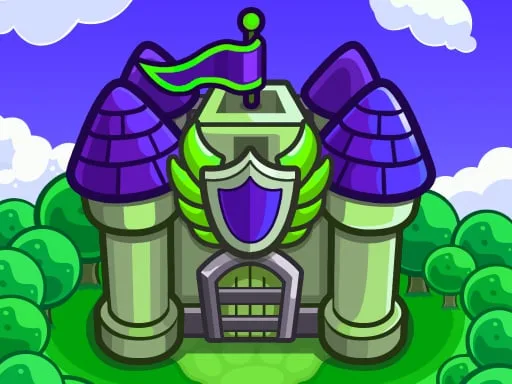
Strategy
Winning isn’t about brute force; it’s about smart upgrades and timing. Start each level by placing the castle near the choke point. Upgrade the four core skills – Shield, Arrow, Sword, and Magic – to turn basic troops into relentless shooters. Prioritize defense upgrades that boost area damage when the enemy count spikes. As you clear waves, collect gold to unlock new castle skins and stronger towers. Each new level adds fresh monster types, forcing you to adapt your layout. Remember: a well‑positioned tower can turn a losing battle into a victory, especially in the later arena stages where bosses unleash massive attacks. Keep an eye on the mini‑map, anticipate spawn patterns, and use the sword burst to clear clusters before they overwhelm your walls.
Feel the rush of every successful defense and climb the leaderboards. Jump into Save The Kingdom now, and see why UfreeGames’ latest release is the talk of the action community. Your kingdom needs a hero – pick up that sword, place that castle, and dominate the battlefield.
Drag the castle to the area where you will drop it with the mouse or touch