Pokemon Coloring Book – Fast‑Fun Coloring on Android
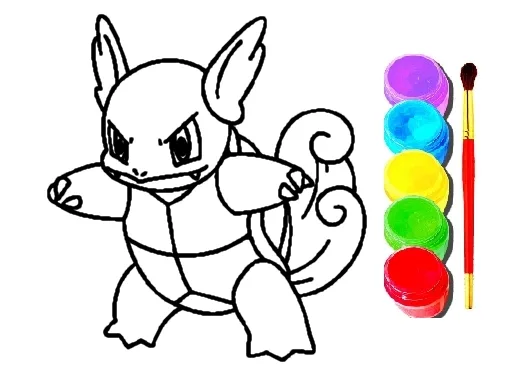
Kids and seasoned fans alike can splash vibrant hues on beloved Pokemon silhouettes in seconds. The game packs a punch of creativity into a lightweight HTML5 shell, perfect for quick sessions on any mobile device. Whether you’re stuck in a school break or waiting for the bus, this coloring treat keeps your thumbs busy and your eyes entertained.
How to Play
Getting started is as simple as a click. The controls are built for both Android tablets and desktop browsers.
- Mouse or tap to play – choose a brush, select a color, then tap a region.
- Swipe across outlines to fill large sections in one smooth motion.
- Two‑finger tap to undo mistakes; double‑tap to redo.
- Press the save icon to export your masterpiece to the gallery or share it instantly.
- Access the palette anytime via the floating toolbar for endless color combos.
Tips & Tricks
Mastering the flow keeps the fun ticking. Start with bold primary colors to outline each Pokémon, then layer shades for depth. The “gradient” brush adds a subtle shine that makes Pikachu’s cheeks pop. For a quick win, aim for the daily challenge – complete three pictures and unlock a secret Pokemon skin. Kids love the “school mode” that limits the palette to primary hues, turning the experience into a learning tool for color theory.
Ready to turn blank outlines into eye‑catching art? Grab Pokemon Coloring Book now and let UfreeGames deliver non‑stop fun on your favorite mobile platform. Install, tap, and watch your collection of colorful Pokemon grow—your screen, your rules.
Mouse or tap to play