Mystery: A 2D Fantasy Platformer That Hooks You From the First Jump
Step into the shoes of a lone wizard navigating a chaotic fantasy world filled with tricky enemies, hidden treasures, and deadly traps. Mystery is more than just another 2D platformer — it’s an action-packed, brain-twisting adventure that rewards skill, patience, and quick reflexes. With hand-drawn visuals, clever level design, and a mix of combat and puzzle-solving, this game is built to keep you coming back for more. Play it and see why it’s one of UfreeGames’ most challenging and addictive titles yet.
How to Play Mystery: Controls and Movement
Getting started in Mystery is simple, but mastering it is another story. You’ll need to think like a wizard and act like a warrior. The game is designed for both keyboard and mobile players, with intuitive controls that put the action right in your hands.
- W A S D to move and space to shoot
- E to attack and interact with the world
- For phone users — on-screen controls make it easy to jump, shoot, and explore on the go
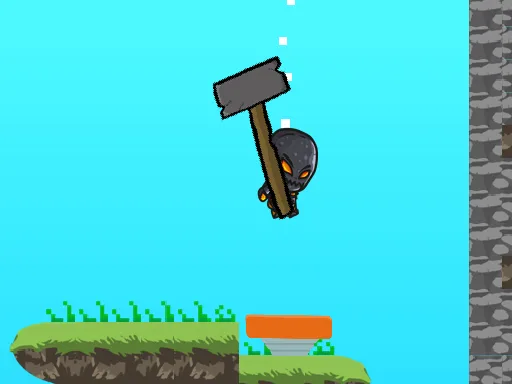
Master the Strategy: Tips to Beat the Levels
Don’t let the first level fool you — Mystery is tough. The game throws in tricky enemies, hidden diamonds, and deadly traps that demand precision. Your goal is to finish levels, collect weapons, and uncover the secrets behind each environment. Look for shortcuts, watch for enemy patterns, and use your wizard’s skills strategically. Every level is a puzzle waiting to be solved, and the challenge only gets bigger as you progress. Think fast, act faster, and remember — diamonds aren’t just for show, they’re key to unlocking new abilities and upgrades.
Ready to take on the challenge? Mystery is waiting for you at UfreeGames. Whether you're a casual player or a hardcore platformer fan, this one hits the mark. Play it now and see if you have what it takes to conquer the chaos. And don’t forget to visit UfreeGames for more action, adventure, and fantasy games that keep you hooked for hours.
W A S D to move and space to shoot and E to attack For phone use on screen controls