UfreeGames Presents: Miner's Odyssey - A Thrilling Incremental Mining Adventure
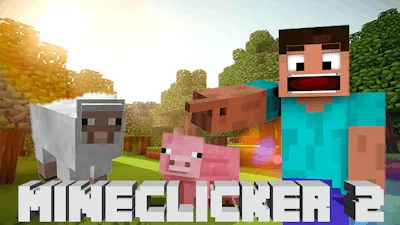
Get ready for an epic mining experience like no other! Miner's Odyssey is an addictive, incremental game that combines charming pixel graphics with the thrill of exploration, reminiscent of the classic Minecraft.
- Hold the left mouse button to mine and uncover hidden treasures
- Interact with the in-game menu using the left mouse button to manage your inventory and craft area
- Create a strong pickaxe by dragging items from the inventory list to the craft area
- Use hotkeys for switching between function menus and for some pop-up menus (works on PC)
- Hold shift key down to make objects move fast
Through your mining journey, you'll stumble upon various obstacles and challenges that will test your skills and tools. But don't worry, you'll also have the opportunity to earn powerful upgrades and artifacts that will aid you in conquering new depths. And if you think that's not enough, you'll even discover portals to other dimensions, complete with unique resources and opportunities.
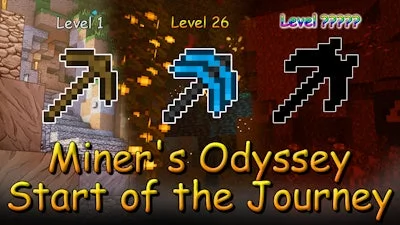
As you progress through the game, you'll need to strategically manage your resources, tools, and upgrades to reach the pinnacle of development. With endless possibilities and exciting challenges at every turn, Miner's Odyssey is sure to keep you hooked for hours on end.
So why wait? Join the Miner's Odyssey today and start uncovering the secrets of the mine. With UfreeGames, you can expect a gaming experience like no other - fun, engaging, and full of endless possibilities. Play Miner's Odyssey now and discover why it's one of the most addictive games in the incremental genre!
Don't forget to check out more exciting games on UfreeGames, your one-stop destination for all your gaming needs. Happy gaming!