Minecraft Coloring Book Online – Free Coloring Fun
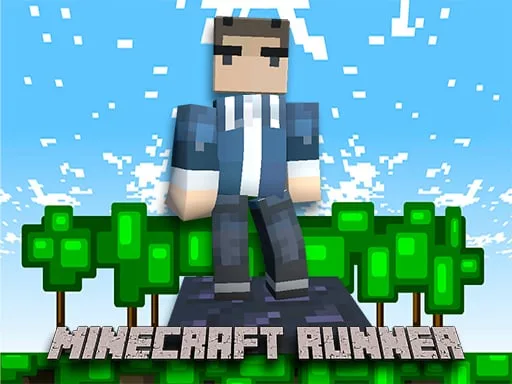
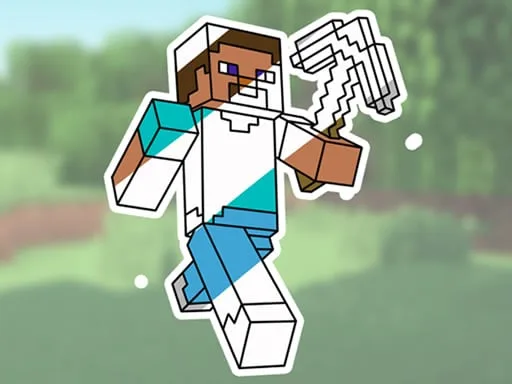
Grab your mouse and jump straight into a pixel‑perfect coloring session that lets you revamp iconic Minecraft scenes. From Creepers to sprawling biomes, every line drawing waits for your splash of hue. If you love the blocky universe and crave a quick creative fix, this browser‑based title serves exactly what you need—no downloads, no hassle.
How to Play Minecraft Coloring Book Online
Getting started takes seconds. The interface is built for mouse lovers, so every action feels natural. Follow the steps below to unleash your inner artist:
- Use mouse to move the cursor over any outline.
- Click the brush icon to activate the drawing tool.
- Select a shade from the color palette to set your Color.
- Drag across a region to fill it, or click to place a single block of pigment.
- Hit the undo button if a mistake slips in.
- Press save to download your finished masterpiece.
Tips to Master the Coloring Experience
Strategy matters even in a coloring game. Start with a light base color before layering darker tones; this creates depth and mimics Minecraft’s shading. Mix complementary hues to make water sparkle or foliage pop. Save frequently, then experiment with texture brushes for a stone‑like finish on mountain scenes. Challenge yourself by completing a full set of themed pages—each finished page unlocks a new palette, keeping the session fresh and addictive.
Ready to color the blocky world like never before? Jump into Minecraft Coloring Book Online now, and let UfreeGames fuel your creative streak. Grab your mouse, pick a palette, and turn every pixel into a masterpiece. Your next masterpiece is just a click away.
Use mouse