Get On Top Touch – Classic Arcade Chaos for 2 Player Games
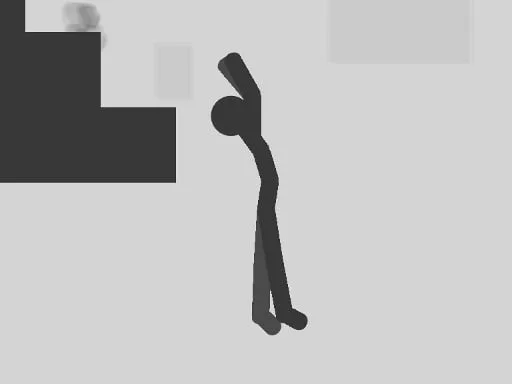
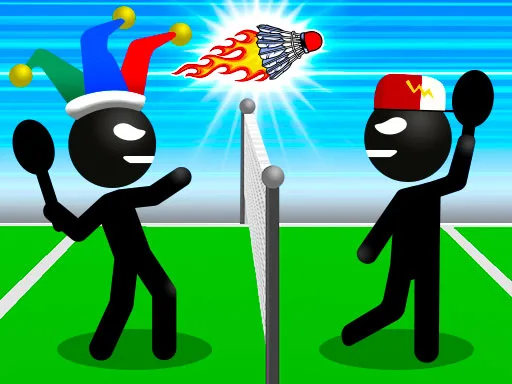
Two stick‑figure heroes, one cramped arena, and a single objective: climb on top of the opponent. Every second counts, every move matters. Whether you’re battling a buddy on the couch or a rival online, the rush of out‑maneuvering the other player keeps the adrenaline pumping. This isn’t a solo grind; it’s a showdown that makes every match feel like a high‑score sprint.
Mechanics & Controls
Control Sheet for Both Rivals
- First Player Jump: W
- First Player Move Left: A
- First Player Move Right: D
- Second Player Jump: Upper Arrow Key
- Second Player Move Left: Left Arrow Key
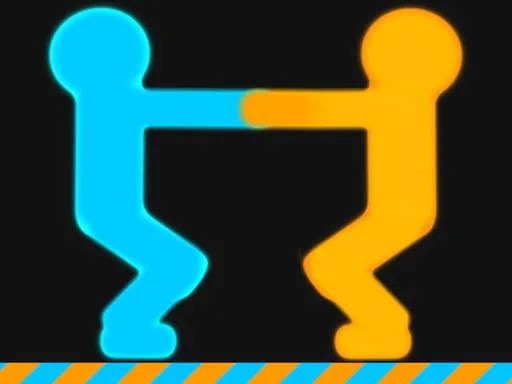
Strategy thrives on timing and positioning. The first jump can catch the opponent off‑guard, but spamming it leaves you vulnerable to a counter‑leap. Master the art of “push‑and‑pull”: nudge your rival toward the edge, then retreat to bait a reckless jump. The arena’s limited width means wall‑bouncing is a viable tactic—use it to reverse momentum and surprise the other player. As rounds stack, the pace quickens; the best players learn to read the opponent’s rhythm and adapt on the fly. For solo fans, the 1 Player mode swaps the rival with an AI that mimics human patterns, preserving that classic arcade feel.
Don’t let the simplicity fool you—each match is a micro‑battle of reflexes and mind games. Keep an eye on the score ticker; a single successful climb adds points, but a failed attempt resets your momentum. The more you win, the faster the background scrolls, turning every victory into a test of endurance. This loop of quick rounds, escalating speed, and instant feedback is why Get On Top Touch stays addictive long after the first victory.
Ready to dominate the arena? Jump in, lock eyes with your opponent, and prove you’re the top dog. Play Get On Top Touch now and experience the pure, button‑mashing joy that only UfreeGames can deliver. The podium is waiting—who will rise first?
Player s Controls First Player Jump W Left A Right D Second Player Jump Upper Arrow Key Left