Fish Parking – Fast‑Lane Fun from UfreeGames
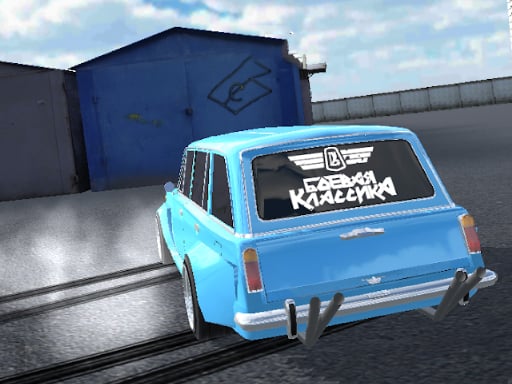
Imagine a tiny boy behind the wheel of a bright car, dodging obstacles while the clock ticks. That’s the core of Fish Parking. It’s not a casual stroll; it’s a rapid racing session where precision matters more than speed. The game throws you into a colorful 3D arena, and every successful parking move feels like a victory lap. If you love quick reflexes and clean finishes, this HTML5 title will keep you glued to the screen.
How to Play Fish Parking
The controls are stripped down to the essentials, so you can focus on the action. Whether you’re on PC or Mobile, the learning curve is flat and the fun curve is steep.
- PC: WASD or Arrow keys – steer, accelerate, brake.
- Mobile: Tap the on‑screen buttons – same functions, touch‑friendly.
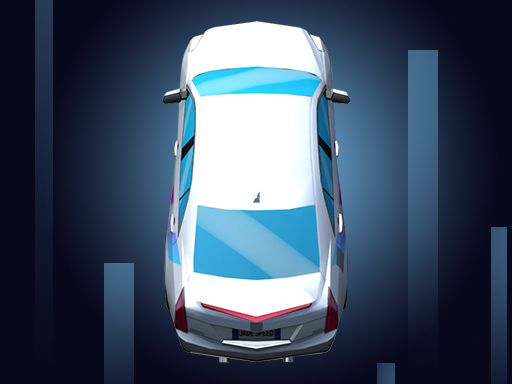
Each level drops you into a new driving scenario. Park the vehicle in the marked spot without hitting the surrounding obstacles. Miss the line, and you restart. The kid-friendly graphics hide a surprisingly deep racing mechanic that rewards tight turns and perfect timing.
Tips to Master the Parking Challenge
Success isn’t just about reflexes; it’s about strategy. Start each round by scanning the layout – notice where the tightest obstacles sit. Align your car early, then use gentle taps on the brake to fine‑tune the angle. Remember, the game rewards smooth, controlled moves over frantic bursts. As you progress, the levels introduce moving barriers and narrower slots, turning each session into a mini‑puzzle. Keep an eye on the timer; faster completions unlock shiny decals and extra mobile stages. The more you practice, the more you’ll anticipate the next curve before it even appears.
Ready to prove you’ve got the skills of a pro driver? Jump into the UfreeGames arcade and dominate every parking spot. Every flawless finish adds to your bragging rights and fills the leaderboard. Don’t wait – park, race, and reign over the most chaotic parking arena on the web today.
PC WASD or Arrow keys - move Mobile Tap the buttons