Brainrot Shooter – Fast‑fire Mayhem from UfreeGames
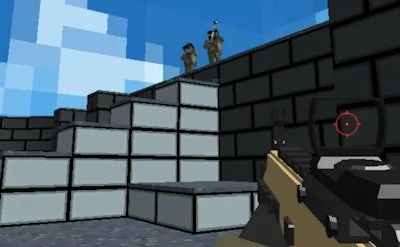
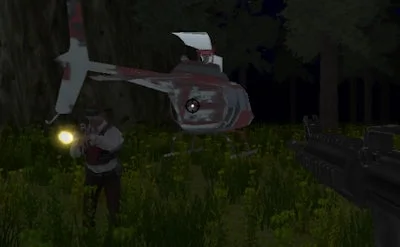
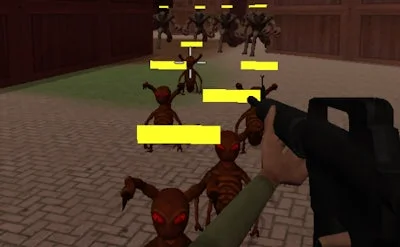
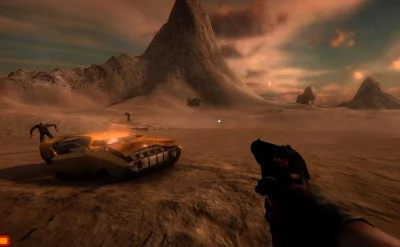
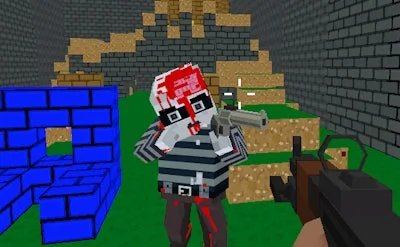
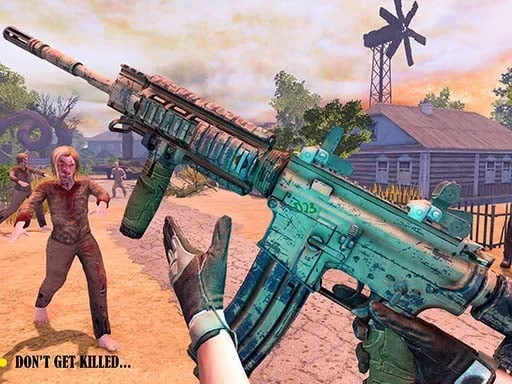
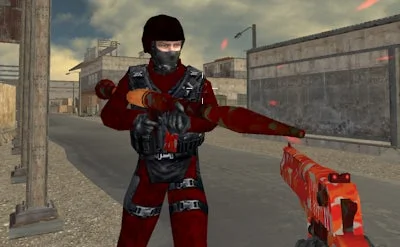
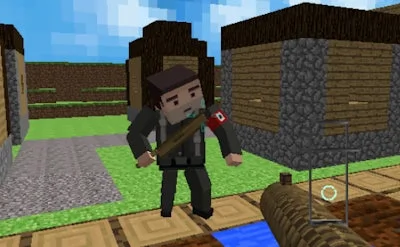
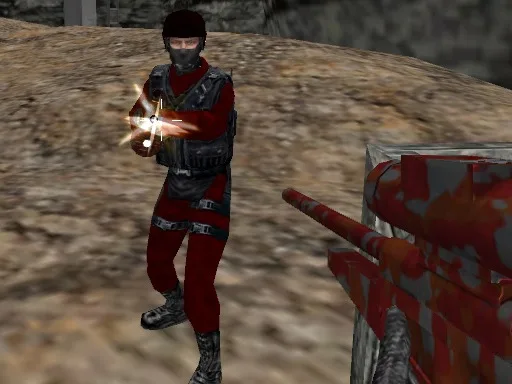
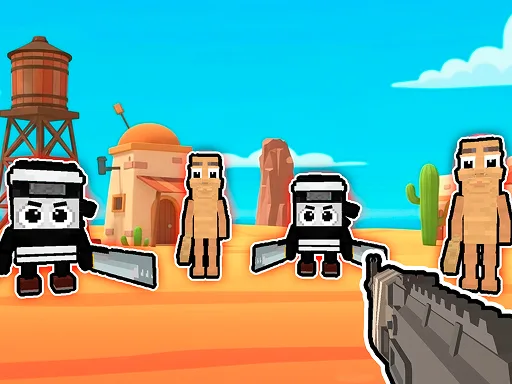
Chaos erupts in a neon‑lit 3D arena where the only rule is “shoot first, think later.” As a lone operative, you dive into a relentless attack against waves of Brainrot, Brainrot Italian, and the infamous Brainrot sahuuur. The game feels like a pure First Person Shooter (fps) grind, but every bullet you fire pushes the story forward. If you love a high‑octane shooter that rewards skill, reflexes, and a bit of madness, this is the arena where you prove you’re the top gun.
Mechanics
Controls are stripped down to the essentials, so you can focus on the kill feed. Whether you’re on desktop or mobile, the layout is intuitive and responsive.
- Desktop 1 Walk - WASD
- Switch weapons - Q or E
- Look - use the mouse
- Mobile 1 Use on-screen controls
Strategy
Survival isn’t about spraying indiscriminately. Start each round by scouting the map for high‑ground spots—these give you a clear line of sight for Tralalero Tralala fire. Prioritize the Tung Tung Tung Sahur enemies first; they drop the biggest loot and clear the path for the slower, heavier Italian Brainrot units. Keep an eye on your ammo counter; swapping to the secondary weapon (Q or E) at the right moment can turn a tight encounter into a clean sweep. Upgrade your arsenal between waves—each new gun adds a fresh layer to the Shooting experience, from rapid‑fire SMGs to charge‑up plasma rifles. Finally, remember the Army mode isn’t just a title; it hints at coordinated enemy patterns. Anticipate their attack routes and cut them off before they can swarm you.
Ready to dominate the chaos? Grab your controller, lock in your loadout, and blast your way through the mayhem. The battlefield is waiting, and the only thing standing between you and glory is your trigger finger. Jump into Brainrot Shooter now, and let UfreeGames show you why this 1 Player shooter sets the standard for fast, furious fps action.
Desktop 1 Walk - WASD 2 Switch weapons - Q or E 3 Look - use the mouse Mobile 1 Use on-screen controls