BMW City 1 – Urban Racing on Steroids
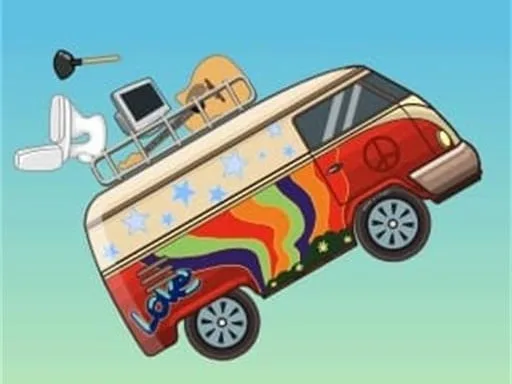
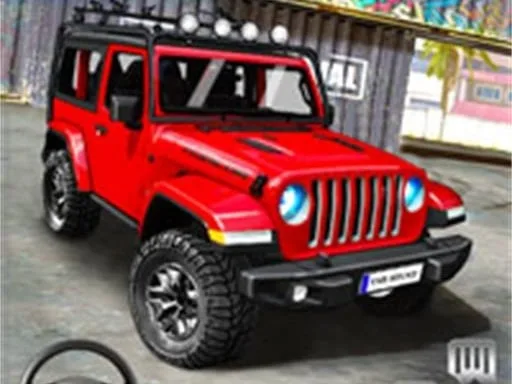
Speed, style, and pure adrenaline collide in BMW City 1. The cityscape becomes your playground, packed with neon‑lit highways, hidden shortcuts, and massive ramps that scream for a perfect jump. Whether you crave a sleek Car, a roaring Truck, or the sleek roar of a Supercar, the game hands you the keys to dominate every asphalt artery. Master the art of drift, pull off impossible stunts, and feel the rush of crossing the finish line before the city lights flicker out.
Keyboard Controls
Grab a keyboard, hit the keys, and own the streets. The control scheme is stripped down to what matters, so you can focus on the race, the drift, and the jump.
- W / Up Arrow – Accelerate
- S / Down Arrow – Brake / Reverse
- A / Left Arrow – Steer left
- D / Right Arrow – Steer right
- Space – Handbrake for tight drift
- Shift – Nitro boost (time it for a massive jump)
- E – Parking / enter any vehicle (Bike, Bus, or Car)
- R – Reset after a crash
Pro Tips & Progression
Winning isn’t just about raw speed; it’s about rhythm. Start each race by timing your nitro boost for the first ramp—missing it costs you seconds. When you hit a drift, hold the handbrake just long enough to keep the tires squealing without spinning out. Unlocking new vehicles works like a tiered Simulation system: basic cars give you a feel for the physics, while the Supercars and Truck classes reward precise control with higher top speeds and bigger jumps. Collect Love points by completing stunt chains; they unlock cosmetic upgrades and secret routes that shave precious time off each lap. Don’t forget the hidden parking challenges scattered across the map—perfecting a parallel park on a moving platform unlocks the elite “City Master” badge and a bonus stash of nitro.
Ready to dominate the skyline? Jump into BMW City 1 and prove you have the guts to rule the streets. The city waits for no one, but UfreeGames has handed you the keys. Download now, fire up the engine, and make every corner count.
Keyboard Controls