Blaze Monster Machines Differences – Fast‑Paced Spot‑the‑Difference Action
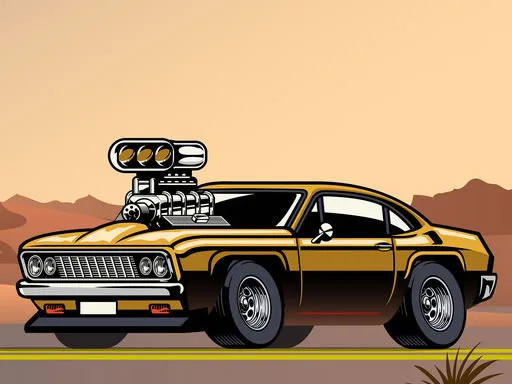
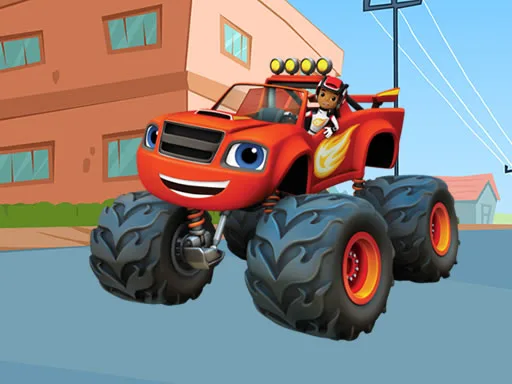
Picture a bright Cartoon truck crew racing across a vibrant HTML5 playground. Each level throws a fresh set of hidden Difference puzzles at you. Spot the odd details before the timer runs out, and you’ll feel that instant rush of triumph. Kids and casual gamers love the quick‑fire challenge, while seasoned players appreciate the sharp Skill boost. The game’s sleek Mobile layout means you can jump in on a phone, tablet, or desktop without missing a beat. Blaze Monster Machines Differences packs ten levels, seven hidden quirks per stage, and a ticking 60‑second clock—perfect for anyone who craves short, addictive bursts of Fun. Brought to you by UfreeGames, the title blends learning with pure entertainment.
Mechanics
The control scheme is stripped down to the essentials. Tap or click where you think the anomaly hides, and the game instantly confirms your choice. No complex menus, just pure observation.
- Use mouse or tap to screen
Strategy
Start each round by scanning the scene from left to right. The bright colors of the Truck characters draw the eye, but the real clues hide in subtle shading or tiny accessory swaps. Prioritize the most obvious mismatches first; they consume the least time and build confidence. As you progress, train your peripheral vision to catch the less‑obvious flickers—like a missing bolt or a swapped tire tread. Keep an eye on the countdown; a steady rhythm beats frantic clicking. Completing a level unlocks a fresh backdrop, each with its own visual theme, so the challenge never feels stale. Master the pattern, and you’ll shave seconds off every round, climbing the leaderboard faster than any rival.
Ready to test your observation muscle and dominate every level? Jump into the action now, claim the top spot, and experience the addictive loop that keeps kids and adults coming back for more. Play Blaze Monster Machines Differences on UfreeGames and turn a simple spot‑the‑difference game into a daily skill‑sharpening ritual.
Use mouse or tap to screen