Survive the Chaos in Oxy Arena
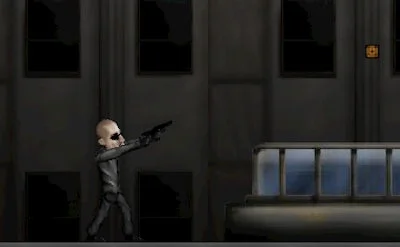
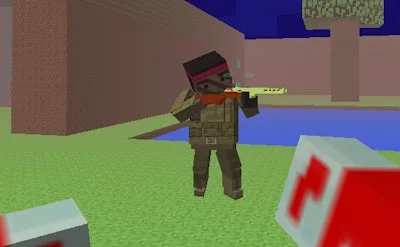
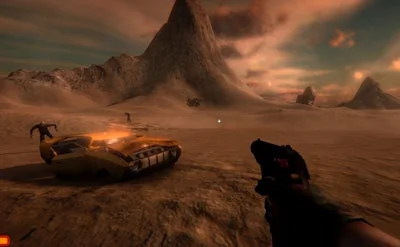
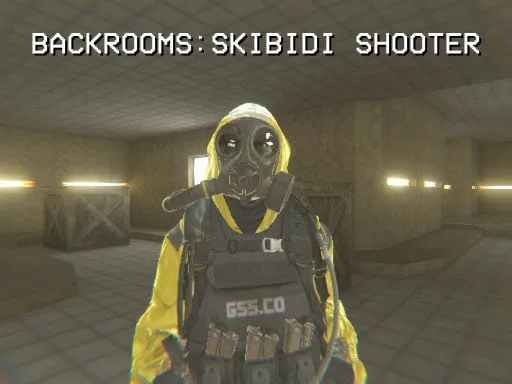
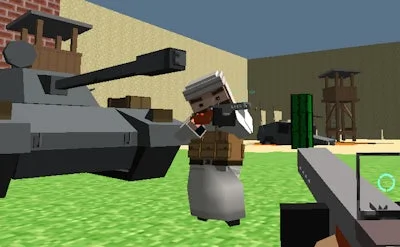
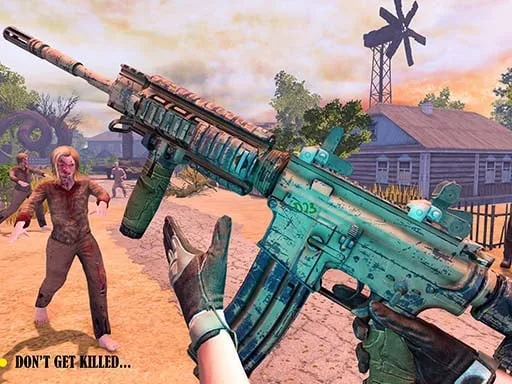
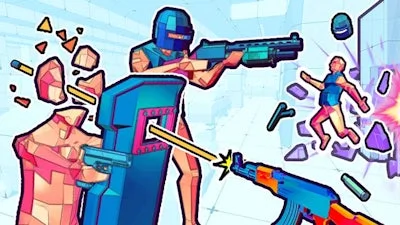
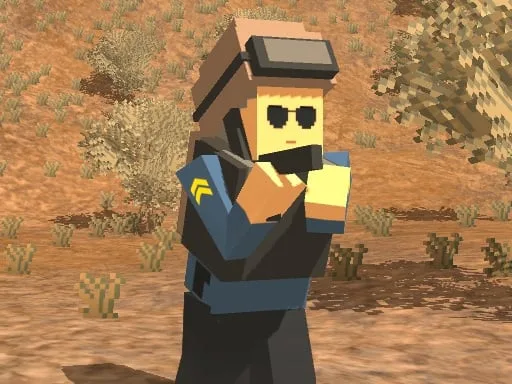
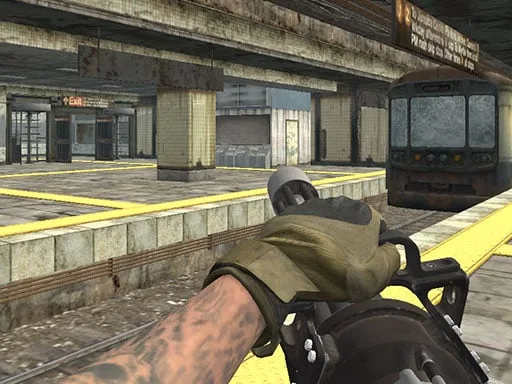
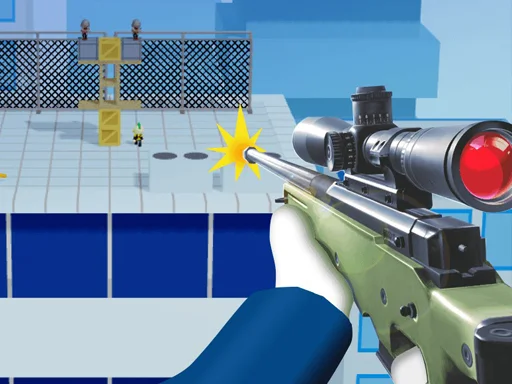
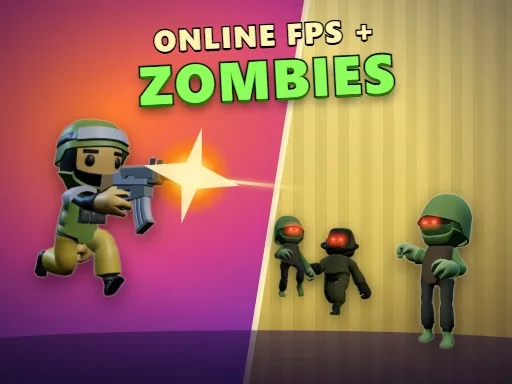
Action moves fast in this 3D blocky shooter. You enter a high-stakes arena where every corner holds a threat. You can jump into public matches to face players from around the globe or host a private room with a custom code to play with friends. Choose your path: dominate in Deathmatch, coordinate with a squad in 4 v 4 Team Deathmatch, or face the nightmare in the Backrooms. That solo survival mode forces you to endure five waves of relentless Zombie attacks within endless yellow hallways. If you need to warm up your aim, use the target range or fight bots before entering real PvP combat. Find more high-speed action at UfreeGames.
Master the Oxy Arena Controls
Precision determines your survival in this online fps. Use these inputs to control your movement and combat actions:
- Computer: WASD move, mouse look, left click shoot, right click aim, Space jump, Shift sprint, C crouch, R reload, 1-5 or mouse wheel switch gun, Q last gun, M map, Tab scores, Esc pause.
- Phone and tablet: Thumbstick to move, drag to look, on-screen button.
Pro Tactics for Oxy Arena Victory
Winning requires more than just fast reflexes. You need to pick the right tool for the job. Use the sniper for long-range engagements on the Orbital space station, but switch to an SMG or shotgun when fighting in the tight corridors of the Dungeon or Block Fort. Chain headshots and land multi-kills to gain experience quickly. As you level up, you unlock unique gun skins to customize your loadout. Complete daily challenges to keep your momentum high. Whether you are navigating the shops in Downtown or escaping the Backrooms, keep your movement fluid and your eyes on the map.
Grab your gear and enter the fray now. Play Oxy Arena on UfreeGames and prove you own the arena.
Computer WASD move mouse look left click shoot right click aim Space jump Shift sprint C crouch R reload 1-5 or mouse wheel switch gun Q last gun M map Tab scores Esc pause Phone and tablet thumbstick to move drag to look on-screen button